Pixpa Review: Features, Pricing, Performance & More

Pixpa Overview
This review is sponsored by Pixpa.com We do not allow our advertisers to influence rankings, however.
Pixpa is an ecommerce platform that’s specifically designed for creatives. What started as a portfolio website builder expanded to add ecommerce features, too.

In this Pixpa review, we’ll take a look at what makes this platform so popular with artists and professional photographers, pricing, features, how it compares to other ecommerce platforms, and more.
Pixpa Overview
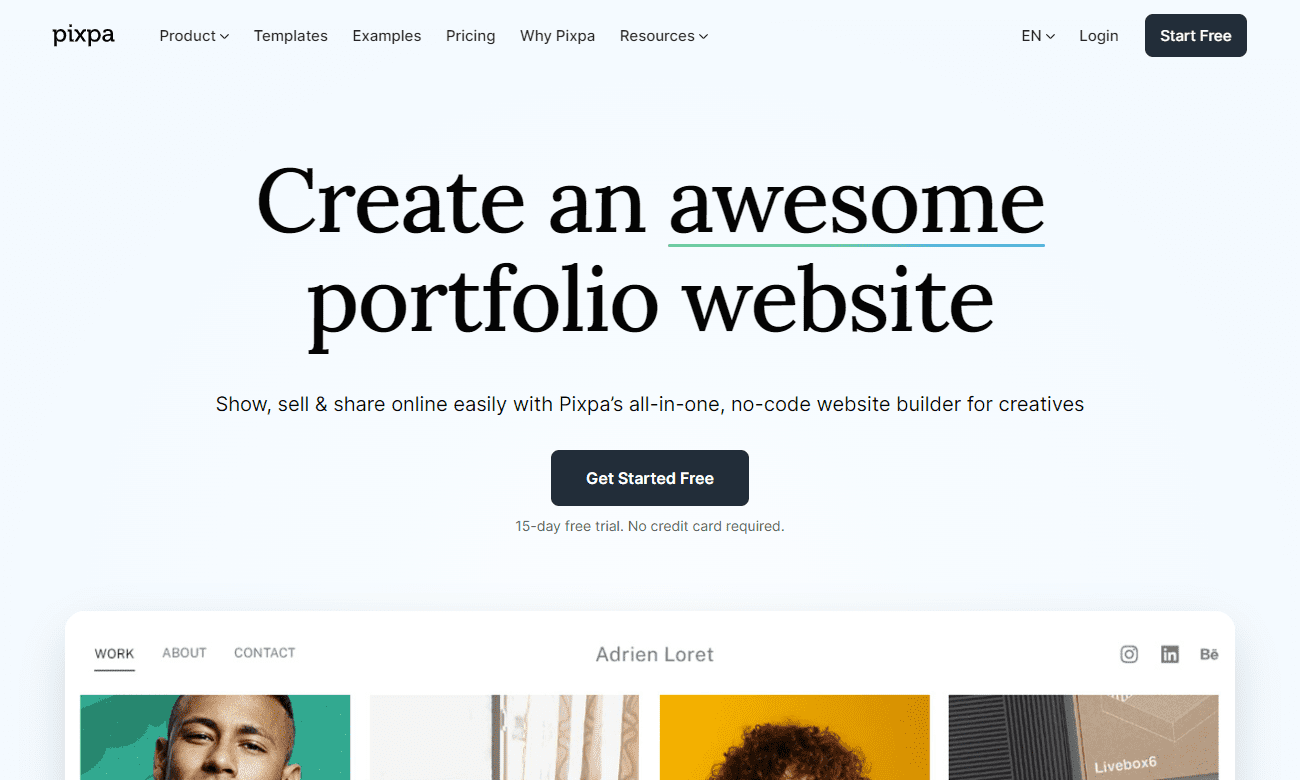
Pixpa is a relatively new player in the ecommerce platform space, but they’re quickly making a name for themselves with their all-in-one platform that makes it easy to build and manage a beautiful online store.
They were first founded in 2013 as a portfolio website platform, but expanded into the ecommerce platform space. Gurpreet Singh founded the company in New Delhi India, after having worked as a full-time designer for a creative agency.
He built the company based on the fact that there were no website builders on the market specifically for professional creatives. The niche market has served Pixpa well, as they have over 400K monthly website visits every month, according to Ahrefs.
With Pixpa, you can create a custom domain, design your store with themes and templates, add products and inventory, process payments, and more.
How Pixpa Compares
Pixpa is a software as a service (SaaS) model, otherwise known as a hosted platform. It’s delivered via a subscription model, like Shopify, BigCommerce, and Wix.
Pixpa maintains everything for you, so you don’t have to worry about the technical aspects of running your website. While that is a good thing for beginners, it also means you’re limited in terms of customization and control over the source code.
SaaS gives you something that’s ready to go right away – all you need to do to create beautiful websites is add your domain name, choose your template, and add your content.
See how Pixpa compares to similar platforms:
Pixpa Pricing Plans
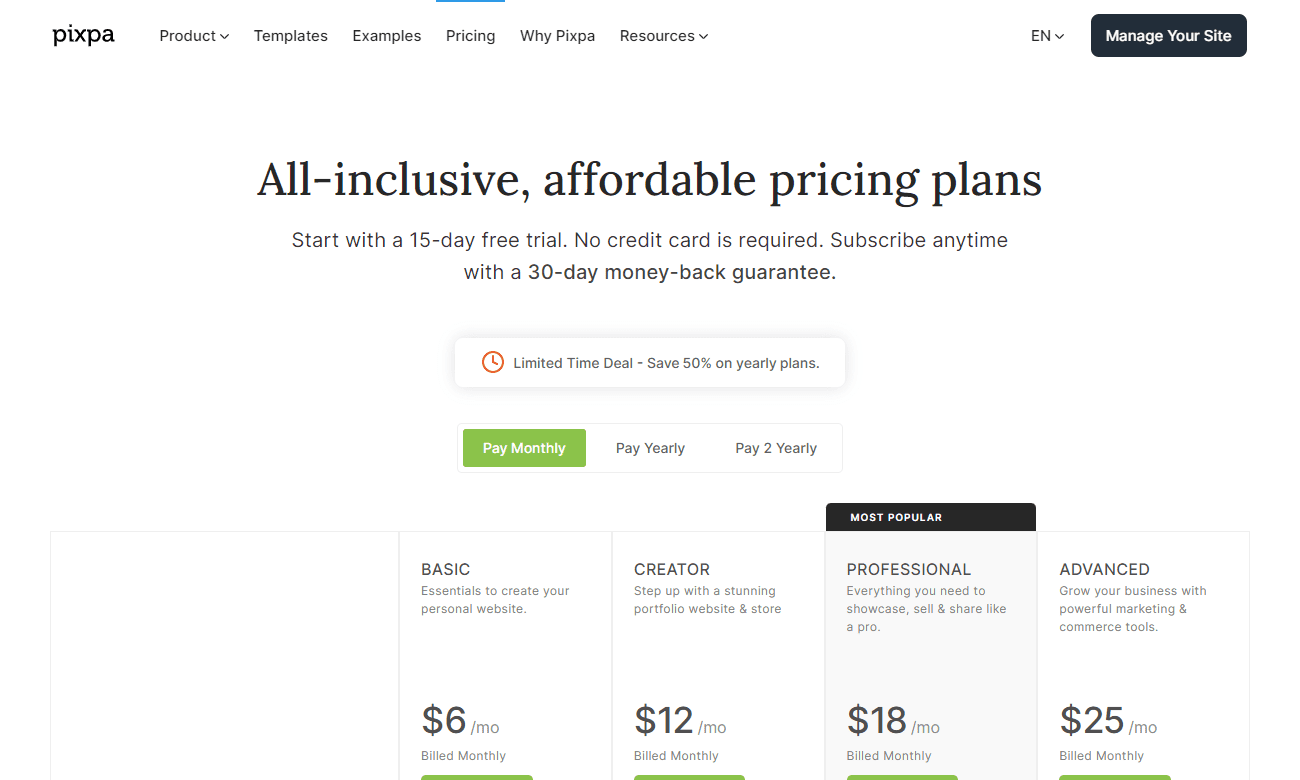
Pixpa offers four different subscription plans for ecommerce stores: Basic ($6/month), Creator($12/month), Professional ($18/month), and Advanced ($25/month).
The Basic plan is for a simple online portfolio. It doesn’t offer ecommerce or blogging features. You’ll need to start with the Creator plan for that.
The main difference between the plans is the amount of storage space and number of products you can list on your store.
The Creator plan allows up to 5 products, while the Professional and Advanced plans allow up to 50 and 1,000 products, respectively.
All plans come with a 15-day free trial (no credit card required) so you can try out the platform before committing to a paid subscription. Plus, if you pay for an annual plan, you’ll get two months free.
There’s also the option to pay for two years upfront to get a 40% discount. With that discount, you’re paying $3.60/month for the basic plan, $7.20/month for the creator plan, $10.80/month for the professional plan, and $15/month for the advanced plan.
And you’ll get a 30-day money-back guarantee, so if something changes after your trial period, you’re still protected.
Overall, we think Pixpa is an affordable website builder, especially when compared to other all-in-one ecommerce platforms like Shopify (which starts at $29/month).
Pixpa Features
Essential Ecommerce Features
Pixpa offers all the features you need to start and grow an online store. With their platform, you can host your store on a custom domain name (e.g., www.mystore.com), design your store using themes and templates, add products and inventory management, and process payments with plenty of payment gateway integrations (Stripe, PayPal, Square), track orders and shipping information, and more.
With Pixpa, you can sell:
- Digital products
- Physical products
- Services
There’s a built-in abandoned cart recovery feature, too. You can easily search to see abandoned carts, so you can keep an eye on the website’s activity. You can also turn on an automatic cart recovery email in the checkout settings. You’ll have the option to control how long after abandonment the email sends.
Pixpa Features and Plans
Client Galleries
The “client gallery” feature allows you to create password-protected galleries for customers so they can view (and purchase) images from photo shoots or events. This feature is perfect for photographers or event planners who want to sell their work online without dealing with the hassle of setting up their own separate websites.
Client Proofing System
This is a unique feature you won’t find with other website builders. If you’re designing graphics or taking photos for clients, you can set up a proofing page for each one of them. That page gives your clients a place to offer feedback and choose the photos they want to purchase.
This way, you avoid relying on apps like WeTransfer or Dropbox to provide clients with their files. It streamlines your workflow, letting you get more done faster.
Built-in Blogging Tool
This makes it easy to add blog posts directly to your online store. This is great news for those of us who don’t have time (or energy) to maintain a separate blog.
With Pixpa’s blogging tool, you can easily add new blog posts as well as photographs and videos directly onto your website without having to mess around with any coding or website design—it’s all taken care of for you.
SEO and Marketing Tools
While Pixpa doesn’t include the most advanced SEO marketing and SEO tools, it covers your basic needs, plus a few extras, including:
- Page specific SEO settings – title, meta description, hide from search engines
- Marketing pop-ups
- Cookie consent banners
- Announcement bars
Performance
In terms of performance, Pixpa has some work to do if it wants to catch up to major players on the market today. Though the majority of customers are small businesses with limited SEO budgets, the sites received far less traffic than other platforms.
The sites all loaded in less than two seconds, which is great. But, every site we tested (albeit a small sample size) failed the Google Core Web Vitals test. We suspect this has a lot to do with the SEO traffic, along with the fact that many site owners don’t have the budget to invest in all the elements of SEO.
Desktop performance was far better than mobile, but there is significant room for improvement on all fronts.
Integrations and Apps
Pixpa Integrations and Plans
Pixpa has an app store to extend the functionality of your ecommerce website. It includes a variety of options, such as:
- Google Analytics
- Social media widgets – Instagram, YouTube, Vimeo
- Announcement Bars
- Payment options – PayPal, Stripe, PayU, Square
- Gallery App – for setting up an online gallery so clients can view photos
Many apps come pre-installed on your site. Others, like Facebook Messenger, Spotify, Pinterest Button, and Shopify, must be installed with an embed script.
Selling Online with Pixpa
Getting started with Pixpa is easy. You can start your free trial in a matter of minutes.
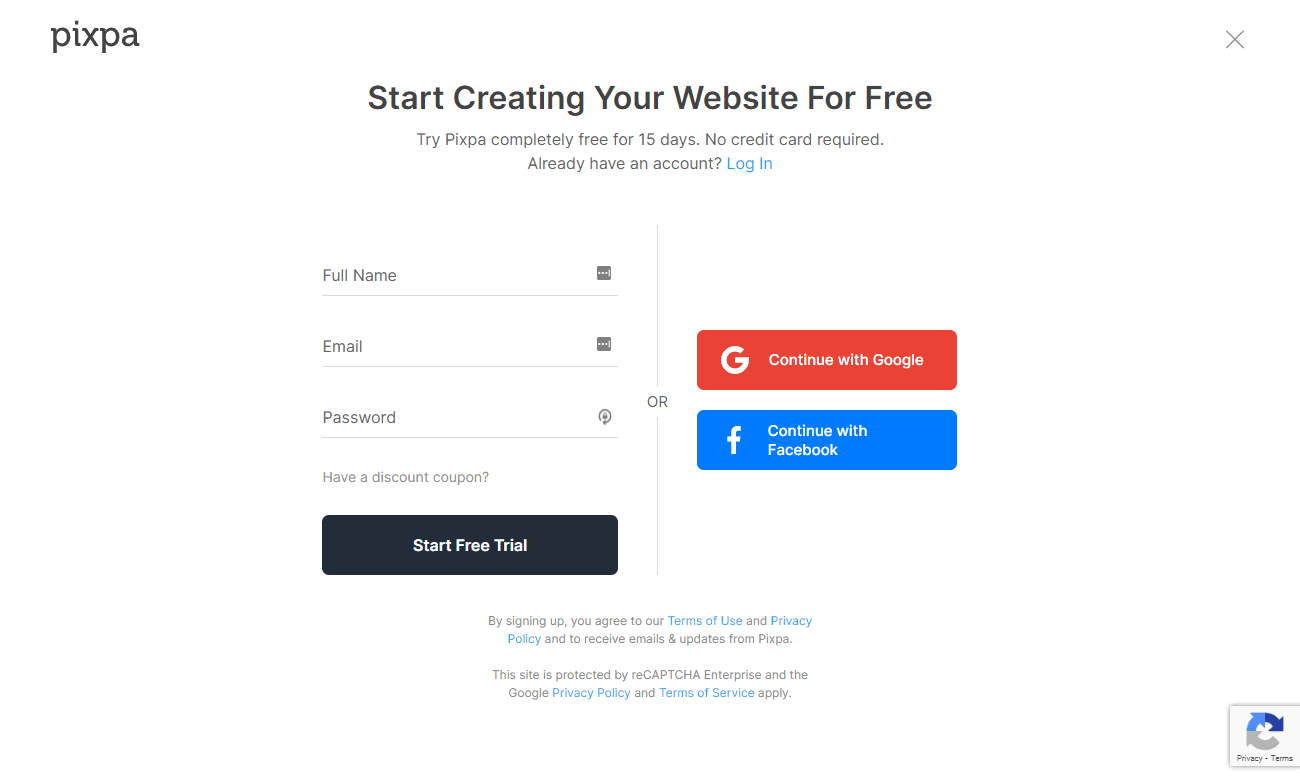
After you create your account, you’ll be taken to the onboarding process, where you’ll get to name your site and tell Pixpa the type of website you’re building.

Once you select the type of site you’re building, you’ll be directed to choose a theme. The template suggestions will vary slightly depending on the type of site you choose.
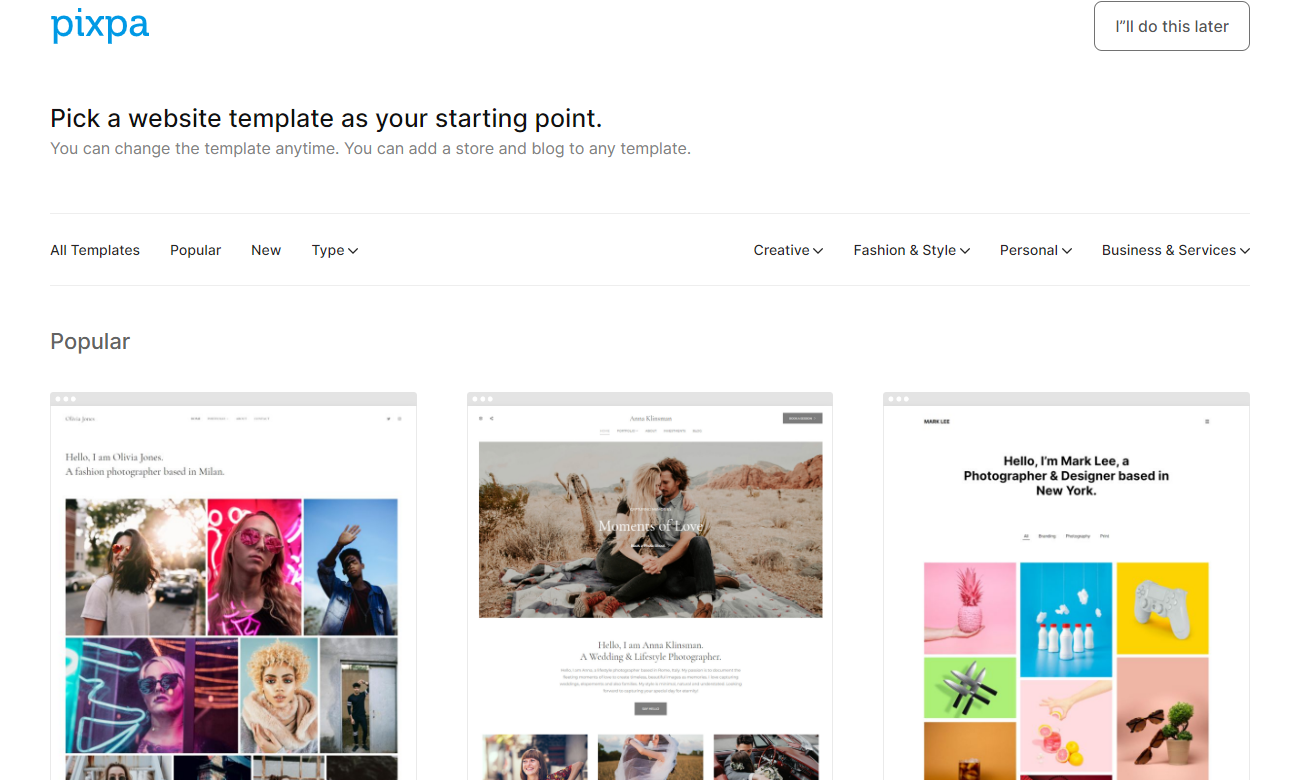
Whatever theme you choose, you can customize it with the drag-and-drop editor. You can also choose another theme later if you decide you want to try another design.
After you choose your theme, you’ll be able to start working on adding content to your site. You’ll see a dashboard that looks like this:
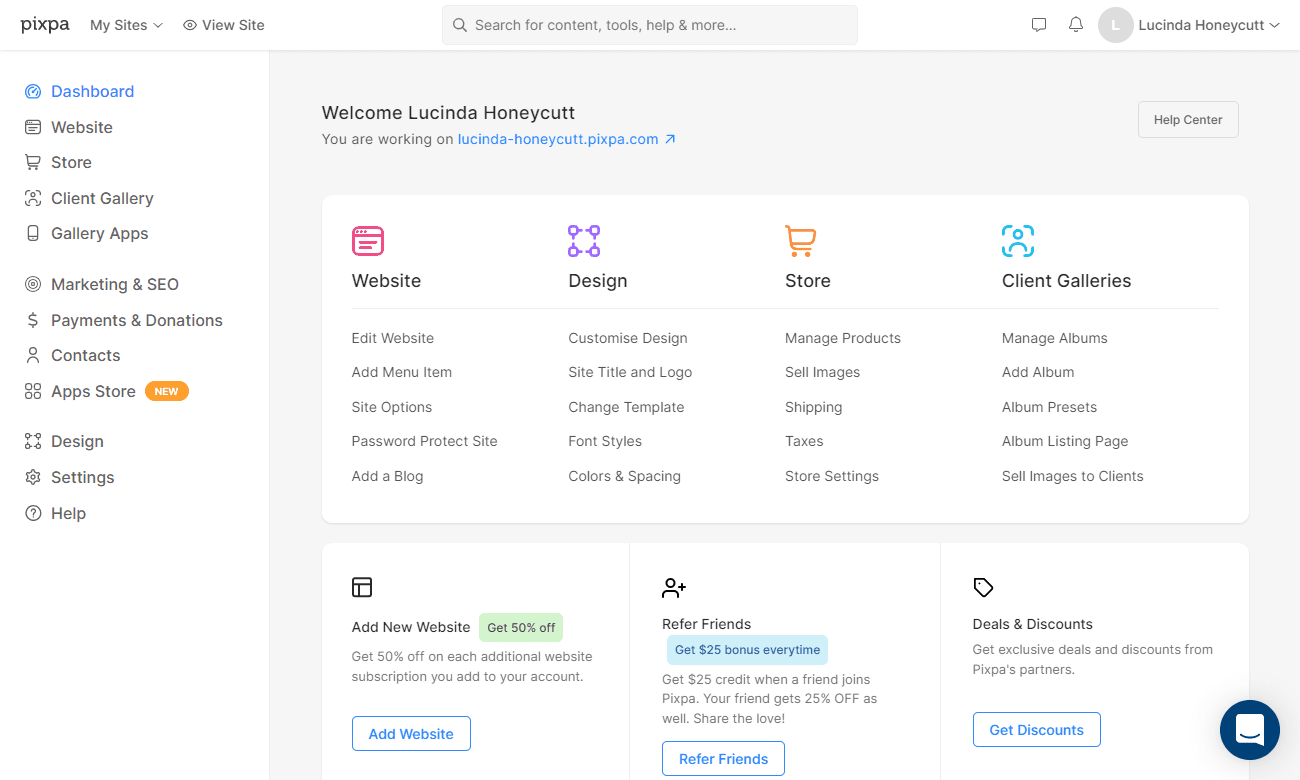
From there, you can systematically work through the various menus to customize your site and store as needed. You can password-protect the site until you’re ready to debut it to the public.
Pixpa doesn’t charge transaction fees on orders placed through your store—that’s something that can really eat into your profits if you’re selling high-ticket items. You’ll still pay fees for payment processing, however. Those are unavoidable.
Design and Themes

Pixpa has over 150 responsive templates you can use to customize your design.
With the drag-and-drop website builder, you can easily customize your site to match your unique brand identity. And if you ever need some inspiration for your design, you can simply browse through the huge library of professionally-designed themes and templates.
Ease of Use
You don’t need technical expertise to build a website with Pixpa. The drag-and-drop builder and intuitive interface make it simple. Plus, if you run into any trouble, Pixpa offers tutorials, along with an extensive knowledge base.
After signing up, you’ll get a customer service phone number. And if you’d rather not speak on the phone, you can reach them via email.
Alternatives
If as you read this Pixpa review, you think this is not the right platform for your online business, consider these alternatives to help you get started:
Shopify
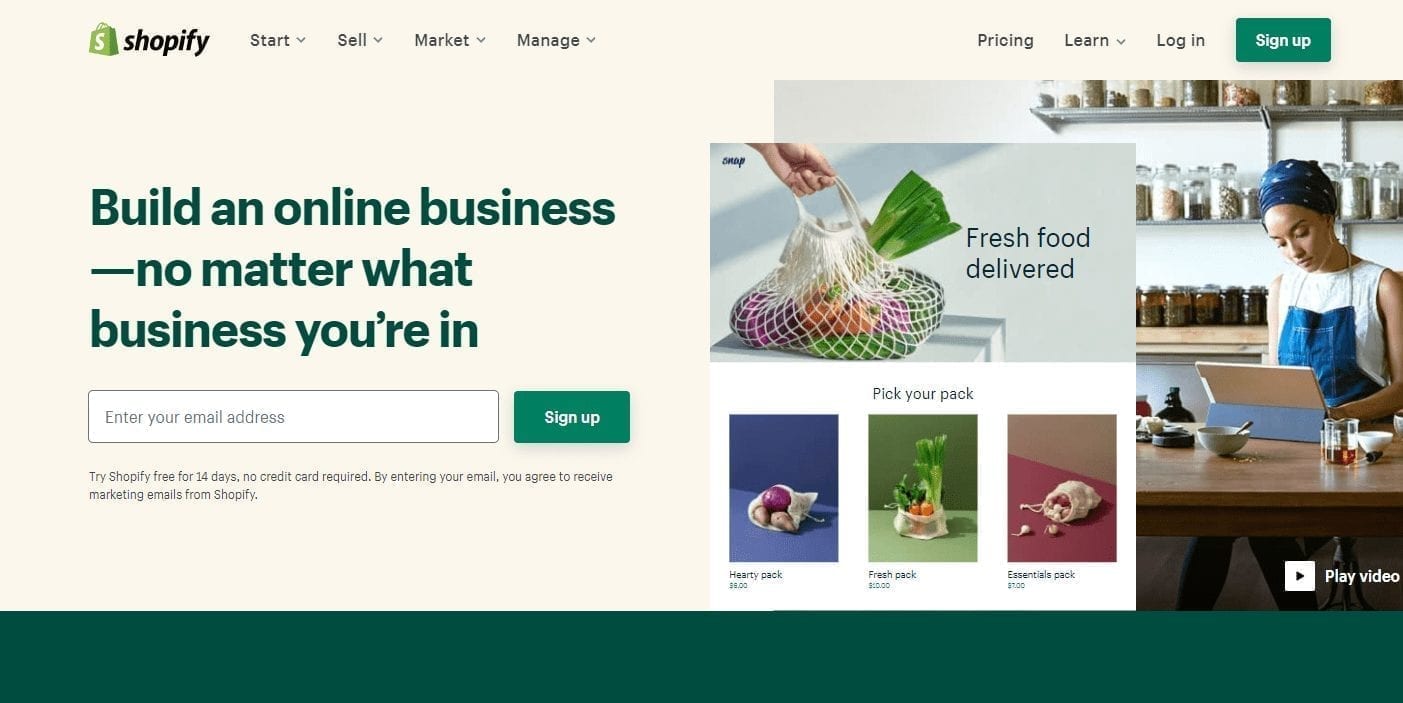
Shopify is a popular and robust ecommerce platform. While it’s a great choice for dropshipping websites, it lacks the dedicated features for portfolio websites. The Pixpa dashboard is highly similar to the Shopify dashboard. It has a built-in blog with SEO options, too.
Sellfy
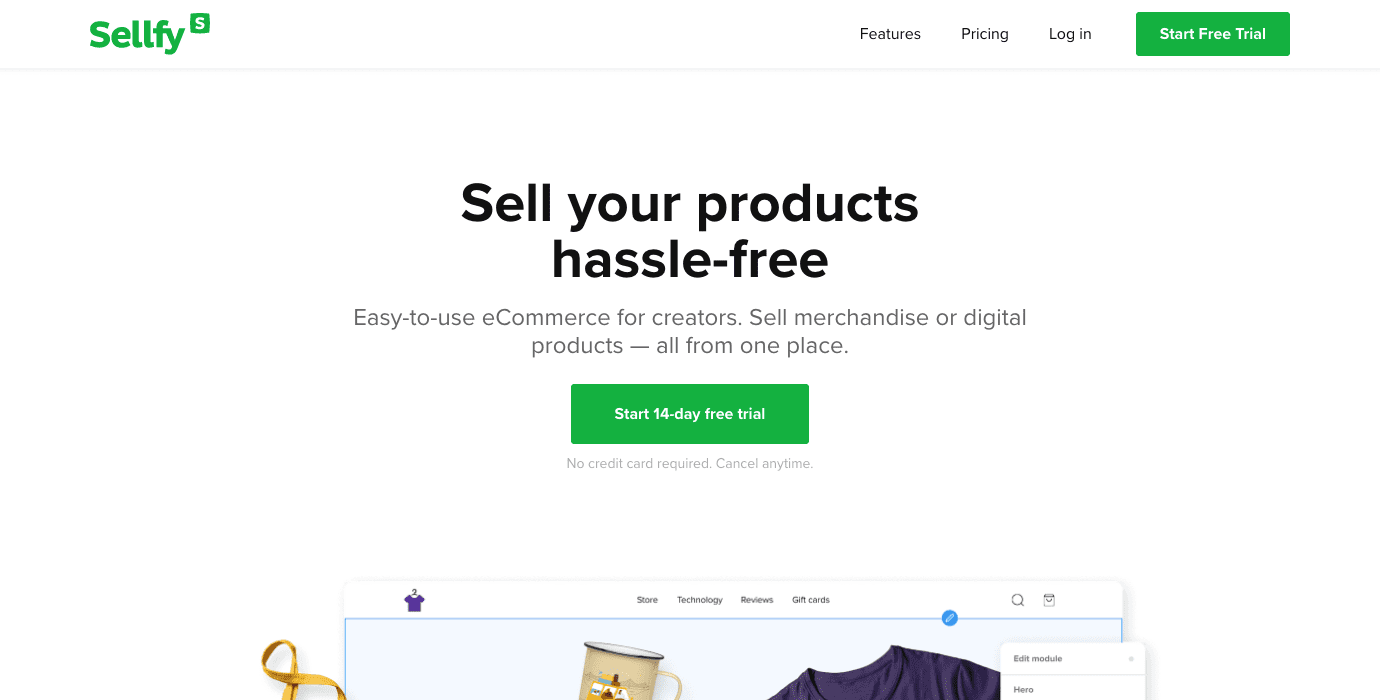
Sellfy is an online platform that makes it easy to sell digital and physical products. It even has its own print-on-demand platform so you can sell products without needing to carry an inventory.
Is Pixpa Right for You?
The Pixpa website builder for artists is easy to use yet still packed with enough features and integrations to help businesses of all sizes succeed online. Creative professionals thinking about starting an online store or in the market for a new ecommerce platform should consider this option.
If you’re not a creative professional, you may find that other ecommerce platforms provide the features you need. Even though there is an extensive app marketplace, Pixpa lacks integrations with popular sales channels like Amazon and eBay.
If you’re looking for a platform with a lot of control for developers, Pixpa isn’t it. Like other cloud-based solutions, it’s better suited for those who lack technical expertise and want something quick and easy to use.
Leave Your Pixpa Review
Have you used or do you currently use the Pixpa niche website builder to power your online store? Share your experience with our readers below.